

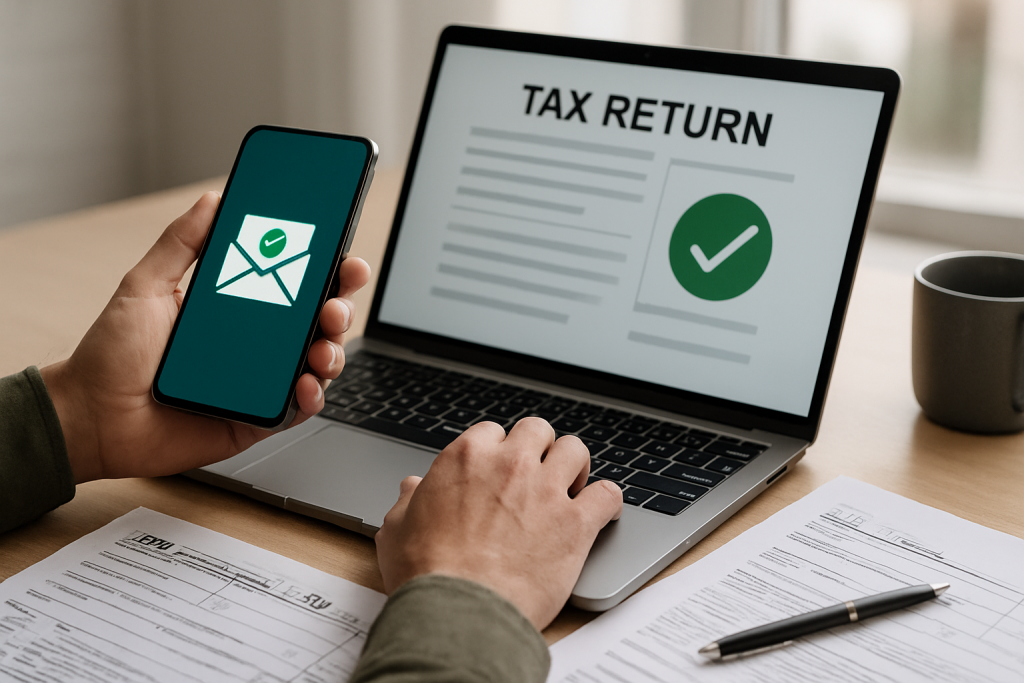
SafeSend can support delivery and review of tax documents and eligible signature authorizations. Signing or receiving a return is separate from e-filing and agency acceptance. Confirm Henriquez Accounting’s workflow, supported forms and how acceptance notices will be provided.
Table of Contents
1) Secure Electronic Delivery
Use the approved document-delivery link supplied by the office and verify unexpected messages before opening them. Device compatibility, payment features and access requirements depend on the configured workflow.
2) Signatures for Eligible Authorization Forms
Confirm which federal and state forms are eligible for the selected electronic-signature process. Form 8879 authorizes electronic filing; signing it is not proof the IRS has accepted the return.
3) Confirm Filing and Agency Acceptance Separately
Ask the preparer for the e-file acknowledgment after submission. Agency processing can take time, and a return may be rejected. A SafeSend signature or delivery notice does not establish IRS or state acceptance.
4) Review Payment and Refund Instructions
Review payment deadlines and refund instructions with the preparer. Do not assume reviewing or signing documents schedules a tax payment, guarantees a refund or confirms acceptance.
5) Paper-Free Document Storage
Download and retain your completed return and relevant records according to your recordkeeping needs. Confirm portal availability and retention policies; online access should not be assumed to continue indefinitely.
6) Multi-User Access for Businesses
The required signer depends on the return and the applicable form instructions. Confirm the authorized signatory and approved document recipients before sending signature or access requests. Do not assume the same signing rule applies to every entity or return.
SafeSend FAQs
Is SafeSend secure for sensitive tax data?
Confirm the current security features and verification steps used in the office’s document workflow. Protect access codes and use only verified links; no system eliminates every security risk.
Do I need special software to sign?
Follow the office’s instructions and confirm compatibility with your device and browser. If the signing process does not work, contact the office for an approved alternative.
Can SafeSend handle state as well as federal returns?
Supported forms and signing rules vary by state and workflow. Confirm the required authorizations and obtain filing acknowledgments separately.
Ready to simplify your next tax season?
Discuss the approved document-delivery and supported signature process for your return. Obtain the e-file acknowledgment separately after submission; document delivery or signing does not itself establish filing or agency acceptance. Explore SafeSend, our tax preparation and bookkeeping services.
©Copyright. All rights reserved.