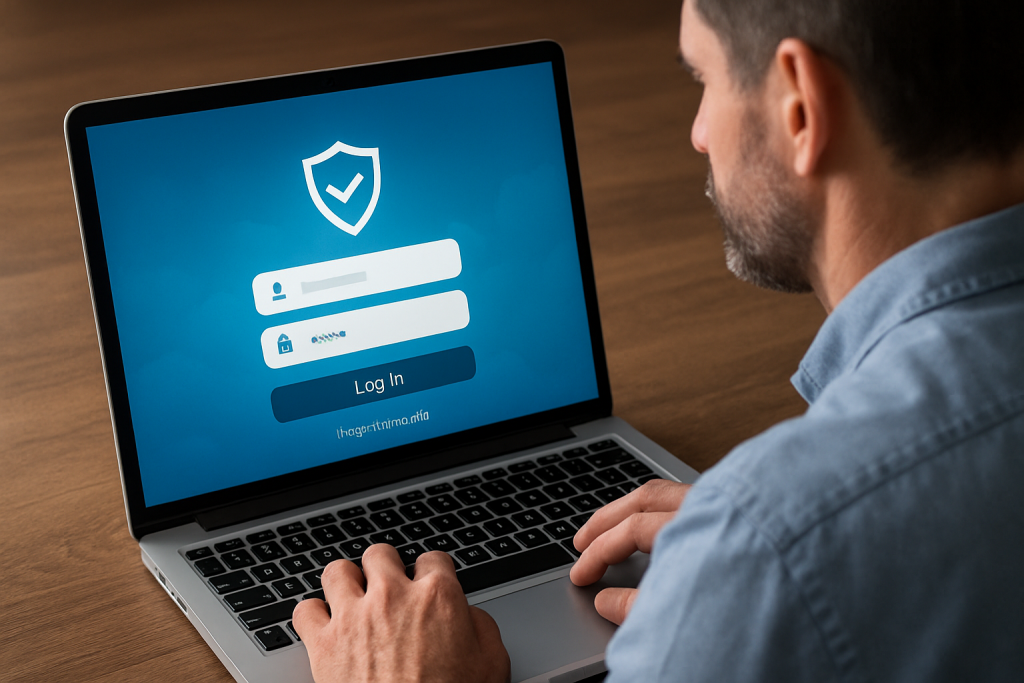
We use SafeSend to deliver returns securely, collect e-signatures, share vouchers, and accept uploads—anywhere, on any device. Below is a quick-start guide to logging in, verifying your identity, signing Forms 8879, and getting the most out of the portal. Need help? Email info@henriquezaccounting.com.
How SafeSend Works (Quick Start)
- Look for our email: You’ll receive a message inviting you to view your return. Check spam/junk if you don’t see it.
- Open your unique link: Each delivery includes a secure, time-limited link to your documents.
- Verify your identity: Enter a code sent to your email/phone and, for some returns, answer brief identity questions (KBA).
- Review & download: View the full return, download PDFs, and print if needed.
- e-Sign Forms 8879: Sign electronically (spouses sign separately on joint returns). You’ll see a confirmation when complete.
- Estimates & payments: View quarterly vouchers and due dates. Save or print them for your records.
- Upload documents: Use the built-in upload tool for missing items or future notices—no email attachments required.
Why Clients Love SafeSend
- Secure & simple: Two-step verification and encrypted delivery.
- No apps to install: Works in your browser on phone, tablet, and desktop.
- Faster filings: e-Sign 8879/authorization forms promptly to keep e-file timelines on track.
- Always organized: Returns, K-1s, and vouchers in one place—ready to share with lenders or advisors.
For Individuals & Families
- Joint returns: Both spouses receive separate links to sign.
- Refund tracking: Save your filing confirmation; we’ll provide links to track refunds when applicable.
- Extensions & estimates: We deliver extension letters and updated vouchers through the portal.
For Businesses
- K-1 distribution: Partners/shareholders receive their K-1s securely.
- Officer signatures: e-Sign corporate/partnership authorizations and state forms where supported.
- Year-round uploads: Send notices, payroll reports, and bookkeeping docs via the portal.
Security & Privacy
- Two-factor/KBA: Access requires verification to protect your data.
- No sensitive info by email: We’ll never ask for SSNs, IDs, or banking details in plain email—use the portal.
- Link expiration: If a link expires, request a fresh one and we’ll resend.
Troubleshooting
- No email received? Check spam/junk; search your inbox for “SafeSend” or “return is ready”; then contact us.
- Link expired? Reply to the original message or email info@henriquezaccounting.com for a new link.
- KBA didn’t match? Try again with your full legal name and address history; if it still fails, we’ll verify another way.
- Can’t e-sign? Try a modern browser (Chrome/Edge/Safari). Disable pop-up blockers for the signing step.
What You’ll Get When You Work With Us
- Secure delivery of tax returns, K-1s, and vouchers via SafeSend.
- e-Signatures for Forms 8879 and other authorizations where supported.
- Quarterly estimate reminders and updated vouchers.
- Year-round document uploads and IRS/state notice handling.
- Clear status updates from preparation through e-file acceptance.
Ready to use SafeSend for a fully virtual tax experience?
From secure delivery to e-sign and estimates, SafeSend streamlines your tax season—and we handle the setup. Have a return ready or need help accessing the portal? We’re here. Book a 30-Minute Consultation
FAQs
Where do SafeSend emails come from?
You’ll receive a secure message with a unique link. If you can’t find it, search your inbox for “SafeSend” and check spam/junk. Still stuck? Email info@henriquezaccounting.com.
Is my electronic signature legally valid?
Yes—SafeSend captures required e-signature steps for authorization forms (e.g., 8879 variants) and records time-stamped confirmations.
Can my spouse sign from a different device?
Absolutely. For joint returns, each spouse receives a separate, secure link and can sign from any device.
How long will my documents be available?
Availability can vary. We recommend downloading and saving PDFs for your records. If you need another copy later, we can resend securely.
Can I upload documents outside of tax season?
Yes—use the portal to send notices, missing items, and updates year-round without emailing sensitive information.
Prefer paper copies?
We can provide printed sets upon request. Just let us know during delivery and we’ll coordinate pickup or shipping. Schedule Consultation
Leave a Reply