

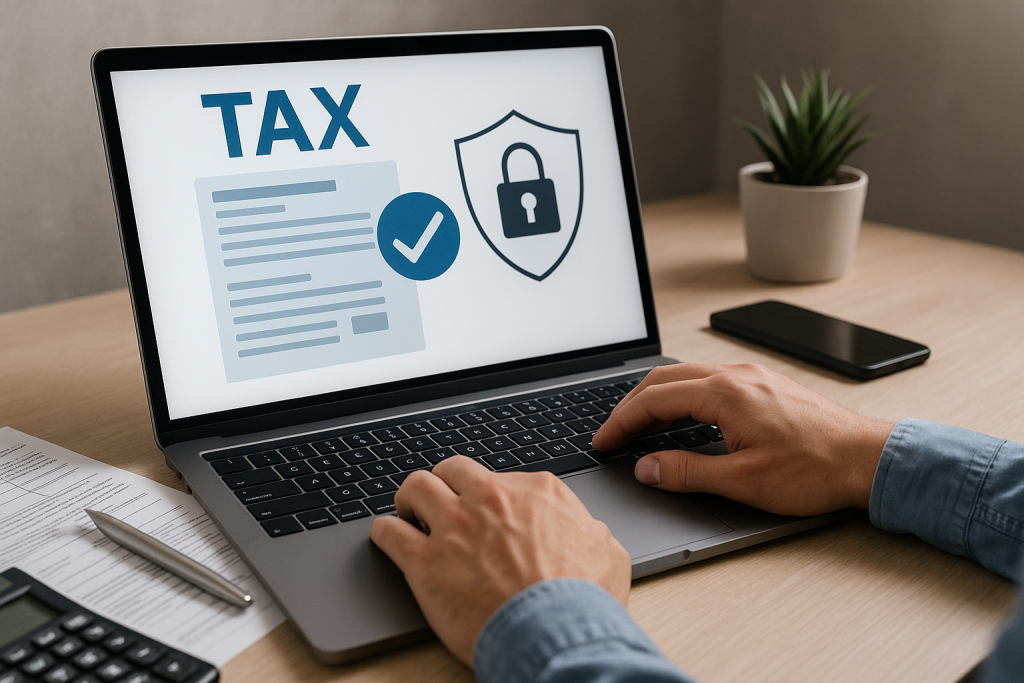
Electronic document delivery can simplify review and signature collection. If our office delivers a return through SafeSend, follow that delivery’s instructions and ask which features are available. Signing an authorization is a separate step from submitting a return and receiving IRS or state acceptance.
Table of Contents
1) Secure Electronic Delivery
Use the delivery link supplied for your return and verify unexpected messages directly with our office. Download and retain your copies. Supported devices and payment options depend on the product, return and delivery settings.
2) Electronic Signatures for Supported Authorization Forms
Electronic signatures may be available for supported federal and state authorization forms when their identity-verification and signature requirements are met. Confirm the forms and signing method for your return; some documents may require handwritten signatures.
3) Confirm Filing Acceptance Separately
Ask our office for the agency’s acknowledgment after transmission. Processing time and rejection handling vary. Form 8879 authorizes the electronic return originator; a signing confirmation does not itself prove filing or acceptance.
4) Review Payment and Refund Details
Review payment instructions and refund bank details carefully with your preparer. Confirm the tax agency, amount, payment method and deadline. Document delivery or signature completion does not itself pay a tax bill.
5) Paper-Free Document Storage
Download and retain copies of signed returns and supporting documents in an agreed recordkeeping location. Access through SafeSend depends on the firm's retention policy and portal settings; do not assume documents remain available indefinitely.
6) Multi-User Access for Businesses
The required signer depends on the return and the applicable form instructions. Confirm the authorized signatory and approved document recipients before sending signature or access requests. Do not assume the same signing rule applies to every entity or return.
SafeSend FAQs
Is SafeSend secure for sensitive tax data?
Follow the approved delivery and verification process, keep access links and codes private, and contact our office if a message is unexpected. No online service eliminates every security risk.
Do I need special software to sign?
Follow the device and signing instructions included with your delivery. Ask our office if you cannot open the link or complete the requested verification steps.
Can SafeSend handle state as well as federal returns?
Ask which state-return documents and authorizations are supported for your return. Obtain federal and state filing acknowledgments separately from signature confirmations.
Ready to simplify your next tax season?
Henriquez Accounting & Tax Services uses SafeSend into our tax preparation and bookkeeping services for faster, safer filing.